


written for Android 3.0 are able to use an extended set of UI objects, powerful graphics, and media capabilities to engage users in new ways.t me Let me direct you to the appropriate links for the New User Features.
System Bar, for global status and notifications
Across the system and in all applications, users have quick access to notifications, system status, and soft navigation buttons in a System Bar, available at the bottom of the screen. The System Bar is always present and is a key touchpoint for users, but in a new "lights out mode" can also be dimmed for full-screen viewing, such as for videos.Customizable Home screens
 Five customizable Home screens give users instant access to all parts of the system from any context. Each screen offers a large grid that maintains spatial arrangement in all orientations. Users can select and manipulate Home screen widgets, app shortcuts, and wallpapers using a dedicated visual layout mode. Visual cues and drop shadows improve visibility when adjusting the layout of shortcuts and widgets. Each Home screen also offers a familiar launcher for access to all installed applications, as well as a Search box for universal search of apps, contacts, media files, web content, and more.
Recent Apps, for easy visual multitasking
Multitasking is a key strength of Android and it is central to the Android 3.0 experience. As users launch applications to handle various tasks, they can use the Recent Apps list in the System Bar to see the tasks underway and quickly jump from one application context to another. To help users rapidly identify the task associated with each app, the list shows a snapshot of its actual state when the user last viewed it.
Redesigned keyboard
The Android soft keyboard is redesigned to make entering text fast and accurate on larger screen sizes. The keys are reshaped and repositioned for improved targeting, and new keys have been added, such as a Tab key, to provide richer and more efficient text input. Users can touch-hold keys to access menus of special characters and switch text/voice input modes from a button in the System Bar.Improved text selection, copy and paste
When entering or viewing text, a new UI lets users quickly select a word by press-hold and then adjust the selection area as needed by dragging a set of bounding arrows to new positions. Users can then select anaction from the Action Bar, such as copy to the clipboard, share, paste, web search, or find.

New connectivity options
Android 3.0 includes new connectivity features that add versatility and convenience for users. Built-in support for Media/Photo Transfer Protocol lets users instantly sync media files with a USB-connected camera or desktop computer, without needing to mount a USB mass-storage device. Users can also connect full keyboards over either USB or Bluetooth, for a familiar text-input environment. For improved wi-fi connectivity, a new combo scan reduces scan times across bands and filters. New support for Bluetooth tethering means that more types of devices can share the network connection of an Android-powered device.Updated set of standard apps
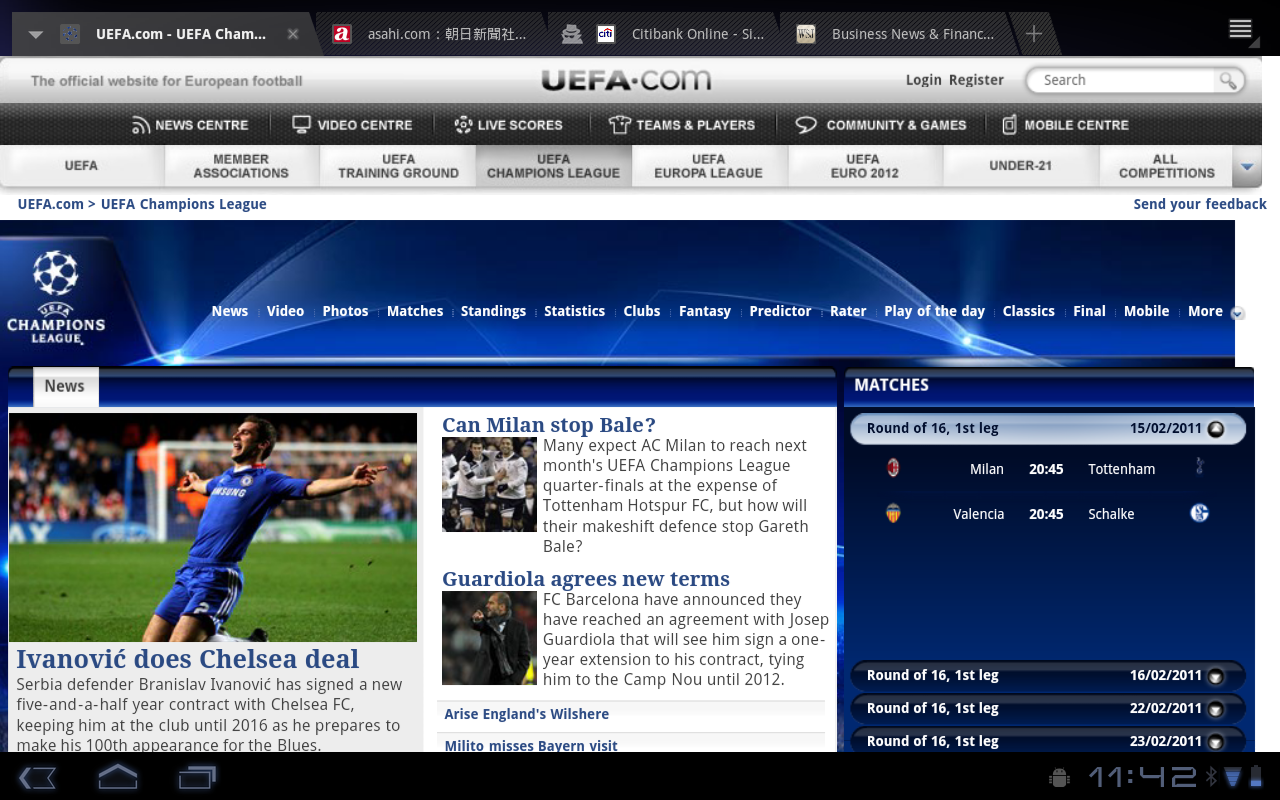
Browser The browser includes new features that let users navigate and organize more efficiently. Multiple tabs replace browser windows and a new “incognito” mode allows anonymous browsing. Bookmarks and history are presented and managed in a single unified view. Users can now choose to automatically sign into Google sites on the browser with a supplied account and sync bookmarks with Google Chrome. New multitouch support is now available to JavaScript and plugins. Users can enjoy a better browsing experience at non-mobile sites through an improved zoom and viewport model, overflow scrolling, support for fixed positioning, and more.
Camera and Gallery
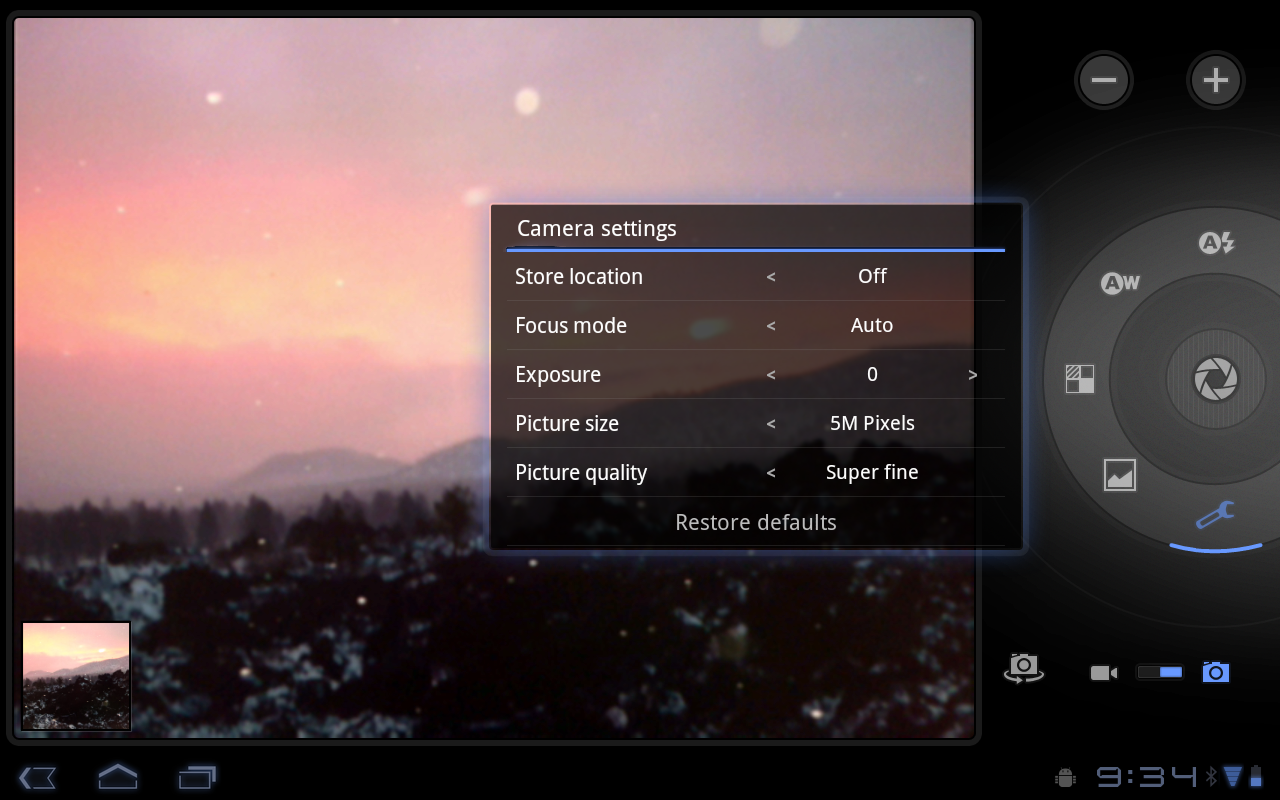
The Camera application has been redesigned to take advantage of a larger screen for quick access to exposure, focus, flash, zoom, front-facing camera, and more. The Gallery application lets users view albums and other collections in full-screen mode, with easy access to thumbnails for other photos in the collection. Contacts
The Contacts app uses a new two-pane UI and Fast Scroll to let users easily organize and locate contacts. The application offers improved formatting of international phone numbers as user types, based on home country and an international number parsing library. Contact information is presented in a card-like UI, making it easier for users to read and edit contacts.Email
The Email application uses a new two-pane UI to make viewing and organizing messages more efficient. The app lets users select one or more messages, then select an action from the Action Bar, such as moving them to a folder. Users can sync attachments for later viewing and keep track of email using a home screen Widget.


0 comments:
Post a Comment